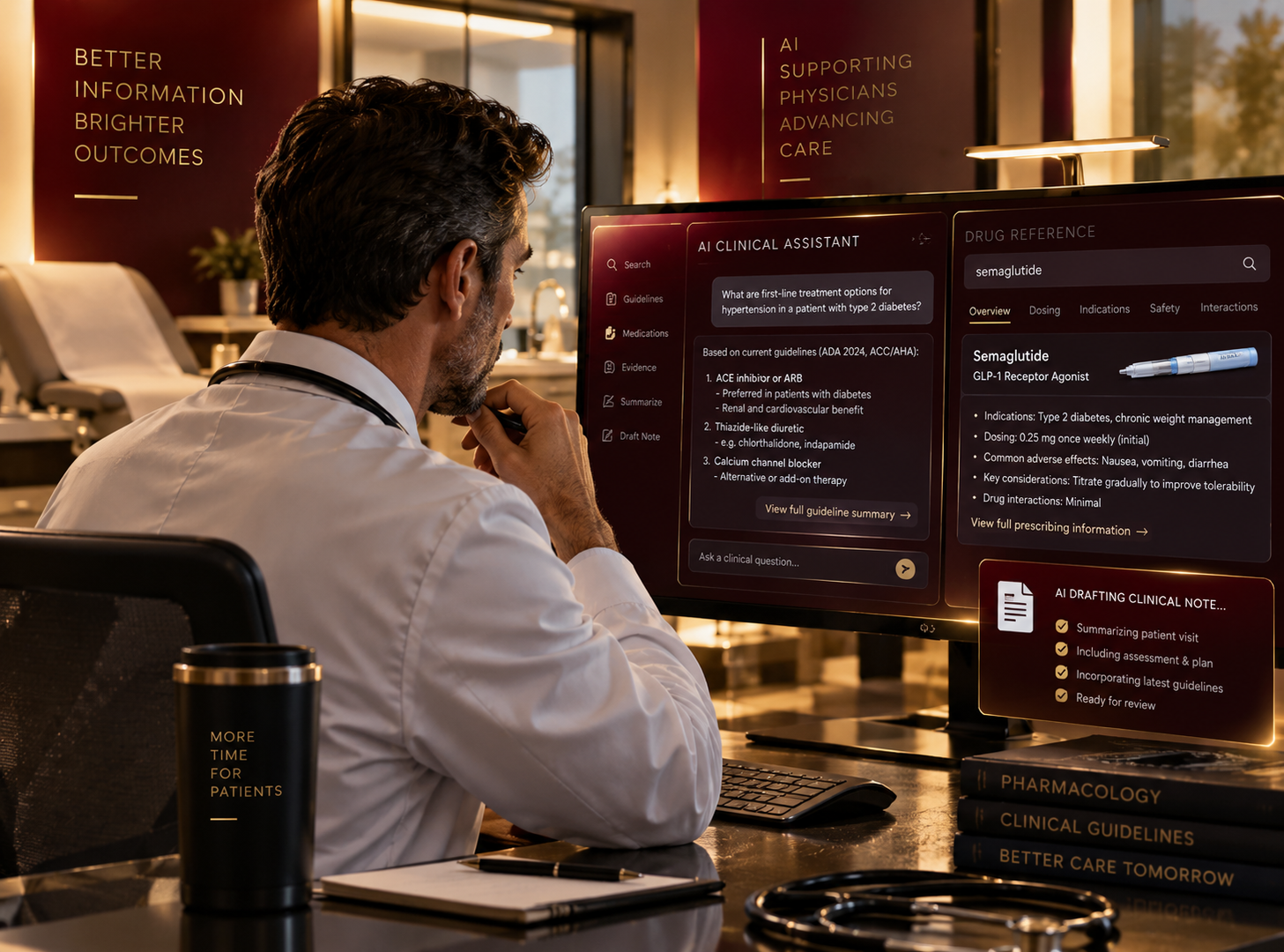
Did you know that Claude can be HIPAA compliant?
A lot of people are not aware that many general purpose AI chatbots have HIPAA compliant offerings. With the right configuration and a few controls and processes around usage, these tools can be deployed safely and cost effectively.
Claude is one example. The first article covered five ways AI can help run a medical practice. To deploy it, start with the right account, configure it for HIPAA, set rules for usage, and put spending limits in place.
Start with Claude Enterprise
The plan to use is Claude Enterprise. Anthropic, the company behind Claude, offers a HIPAA-ready option on this plan. You can sign up online or work with its sales team. Personal subscriptions and the Team plan do not include this option.
Enterprise gives the practice one account through which to manage staff access, settings, and billing. Someone needs to take responsibility for that account. Claude calls this person the Primary Owner. It could be you, your practice manager, or a technology partner helping you deploy it.
Enable HIPAA
As the Primary Owner, go to Organization settings > Data and privacy and complete these steps:
- Find HIPAA Compliance and click Enable.
- Download and review the Business Associate Agreement and the Implementation Guide.
- Click Accept and enable HIPAA.
- Look for the checkmark confirming that HIPAA is enabled.
The Business Associate Agreement, or BAA, covers Anthropic’s responsibilities for handling patient information through the services included in the agreement. Enabling HIPAA is a permanent change to the account. The Implementation Guide explains which features are covered and how to configure them.
Set the controls for the practice
Configure the account so the practice can manage who has access and what they can do. The main settings are:
- Staff accounts: give each person their own work login, with multifactor authentication.
- Permissions: choose who can use each feature, change settings, and manage billing.
- Sharing: decide who can see shared documents and projects.
- Retention: set how long chats and project information are kept.
These settings let you give staff access without making everyone an administrator. Your IT provider or implementation partner can help configure sign-in, roles, and data retention.
Optional: add Cowork and Claude Code. If you want to include either product, ask your Anthropic account team to enable the additional HIPAA configuration, then have the Primary Owner apply it. This covers local versions; cloud sessions and screen control are unavailable.
Control the cost from the beginning
Claude Enterprise currently starts at $20 per person per month, billed annually, with a minimum of 20 seats. That makes the starting subscription $4,800 a year, even if you initially have fewer than 20 people using it.
Usage is charged separately. You pay for access to Claude and then for the amount of work it does. Set a usage budget before giving the team access.
For example, a $12,000 annual software budget would cover the $4,800 subscription and allow $600 a month for usage. Setup and ongoing support would be additional.
Under Organization settings > Usage, you can set spending limits for the whole practice and for individual users. Usage stops when the applicable limit is reached. Spending alerts give you a chance to review the budget before that happens.
Choose a default model for everyday use. Claude offers models at different prices, so this is another way to manage spending. Check usage each week initially and adjust individual allowances as you see what the team needs.
HIPAA setup: Organization settings > Data and privacy > HIPAA Compliance.
Spending limits: Organization settings > Usage.
Give staff a few clear rules
Support these settings with a short, practical policy. Explain which work account to use, which features can handle patient information, what staff can share, and who to contact when they have a question or make a mistake.
Give staff a short introduction before providing access. Establish a process for approving new features or connections to other systems, check accounts and spending regularly, and remove access when someone leaves.
The result is a Claude account the practice manages, with HIPAA enabled, staff access configured, clear usage rules, and a spending limit.